


Clear explanations to help you manage printing effectively in education environments
This section brings together practical guidance and clear information to help you understand how printing works in practice.
It is designed for situations where you want to learn, clarify, or explore a topic, rather than resolve a fault or download a specific document.
How-to videos
Short, practical video guides covering common printer and photocopier tasks.
These videos support routine maintenance and everyday use. They do not replace manufacturer guidance.

e-Studio: xx05 xx06 xx16 xx27 xx15 xx25
A4 photocopiers
A4 photocopiers
Replacing Colour Toner

Installing Waste Toner Bottle
e-Studio: xx05 xx06 xx16 xx27 xx15 xx25
Interactive Tutorials
If you need further assistance, please contact support.
Choosing and running print equipment
Choosing and managing print equipment involves more than selecting a device.
Matching equipment to actual usage
Print equipment performs best when it is selected based on how it will be used day to day, not on headline specifications or assumptions.
In practice, this means considering:
- Who will use the device and how often
- Whether usage is consistent or varies throughout the day
- The balance between printing, copying, and scanning
- How critical uptime is to teaching, administration, and day-to-day operations.
A device that is well matched to real usage tends to:
- Feel faster and more reliable
- Require less intervention
- Deliver more consistent results over time.
This approach helps avoid frustration caused by equipment that looks suitable on paper but struggles in everyday use.
Avoiding overspecification and unnecessary complexity
More capability does not always lead to better outcomes.
Overspecified equipment can introduce:
- Higher running costs without practical benefit
- Additional settings that are rarely used but frequently misconfigured
- Increased maintenance requirements
- More complex user behaviour.
In many education environments, simpler setups:
- Reduce errors and wasted output
- Are easier for staff to use consistently
- Lower the risk of unexpected issues.
The goal is not to minimise capability, but to ensure that any features included are genuinely useful in the education environment.
Managing print environments over time
Print environments are not static. Usage patterns change as staff requirements evolve, departments change, or working practices shift.
Effective long-term management includes:
- Reviewing usage periodically rather than reacting to problems
- Adjusting equipment as needs change
- Replacing devices when reliability or cost control declines
- Ensuring support arrangements remain appropriate.
Rather than treating print equipment as a one-off decision, this approach keeps printing reliable, predictable, and aligned with how the education environment actually operates.
How printing works in practice
Beyond specifications and marketing claims, everyday printing is shaped by how equipment is actually used.
Typical printing and copying behaviours
Printing in education environments is shaped by habits and routines as much as by device specifications.
In practice, common patterns include:
- Many short print runs rather than large batches
- Mixed document types across the day (letters, worksheets, PDFs, reports, presentations)
- Peaks at predictable times (start of day, lesson preparation, reporting periods, deadlines)
- Copying and scanning use that increases during busy periods.
Shared devices often see:
- A wide mix of users with different expectations
- Inconsistent settings and accidental changes
- Increased wear from frequent start-stop usage.
Understanding these behaviours helps set realistic expectations about speed, reliability, and the type of device that fits best.
How device choice affects efficiency and cost
The right device is the one that supports your day-to-day work with minimal friction.
Efficiency is affected by practical factors such as:
- Whether the device is shared or used by individuals
- Location and accessibility across the site
- Paper handling, finishing needs, and scanning frequency
- How often users need secure printing or authentication.
Cost is affected not just by consumables, but also by:
- Downtime, delays, and workarounds when equipment is not suited to demand
- Waste from misprints, incorrect settings, or repeat jobs
- Maintenance needs and how quickly issues are resolved.
A device that looks similar on paper can perform very differently depending on how it is used and where it is placed.
Practical considerations when setting up or changing equipment
Changes to print equipment work best when they are based on how people actually print today, not how you expect them to print.
When reviewing or replacing equipment, it helps to consider:
- How many people rely on the device day to day
- The types of documents, teaching materials, and administrative paperwork being produced
- Expected monthly volumes and peak usage
- Whether the workflow depends on scanning, copying, or secure print
- Space, noise, and placement considerations
- Who manages settings, supplies, and basic upkeep.
The aim is to reduce disruption to teaching and administration while avoiding unnecessary complexity. Rather than focusing on theoretical performance, the priority is making sure the setup works reliably in real working conditions.
Understanding print costs and consumables
Beyond specifications and marketing claims, everyday printing is shaped by how equipment is actually used.
This guidance explains how print costs behave in practice, what affects consumable usage over time, and why real-world running costs can differ from published figures.
Throughout these guides, references to photocopiers relate to modern multi-function print devices used for shared printing, copying, and scanning.
Toner coverage and tiered pricing models
In the printer and multi-function device (photocopier) market, running costs are often presented using tiered pricing models based on estimated toner coverage per page.
These are commonly described as “low colour / high colour” or “three-tier billing” structures. On paper, they can appear attractive, particularly when a large proportion of printing is assumed to fall into a low-coverage band.
In practice, estimates suggesting that a significant share of output will qualify as “low colour” are often optimistic. While this can reduce headline costs in a quotation, it does not always reflect how documents are actually produced day to day.
Because these pricing models typically apply over long agreement periods, differences between estimated and real-world usage may only become apparent over time.
It is also important to understand how coverage thresholds are applied. Low-colour classifications are usually defined by total toner coverage on the page, often in the range of 1–5%, rather than by the presence of a small amount of colour alone.
This means that pages containing minimal colour elements may still exceed low-coverage thresholds once overall layout, formatting, and content are taken into account.
How toner coverage is measured
Manufacturers publish toner yields based on standardised test methods, typically using 5% coverage of an A4 page in line with ISO/IEC testing standards.
These tests are consistent and repeatable, allowing like-for-like comparison between devices. However, they rely on a fixed test document that does not reflect the variety of documents produced in everyday use in education environments.
Factors that influence real-world toner usage include:
- Font type, size, and spacing
- Page layout and margins
- Use of graphics, shading, or images
- The mix of document types printed over time.
Rather than trying to calculate each variable in isolation, it is more useful to understand what different coverage percentages actually look like in practice.
What coverage percentages look like in practice
When viewed visually, 1% coverage is very low.
Even simple documents often exceed this level without appearing “heavy” to the user. A basic email or short letter printed in black text can equate to around 3–4% coverage, depending on layout and formatting.
This helps explain why real-world toner usage frequently exceeds assumptions based on very low coverage estimates.
Below are thumbnails of various percentages of text (Arial 10pt) on an A4 page so you can see what they actually look like.



Why colour usage behaves differently
Documents that appear to be black and white often contain small colour elements.
Common examples include:
- Hyperlinks shown in blue
- Logos or icons in headers or footers
- Highlighted text or symbols.
When any colour element is present, the device records the page as colour output. While the overall toner coverage may remain relatively low, colour toner is still used.
As a result, pages that look predominantly mono may still be treated as colour pages in reporting and billing systems.

Spreadsheets, images, and accumulated usage
Certain document types consistently use more toner than expected.
For example:
- Spreadsheet gridlines increase toner usage
- Shaded cells and headers increase coverage further
- Repeated low-coverage pages can accumulate significant usage over time.


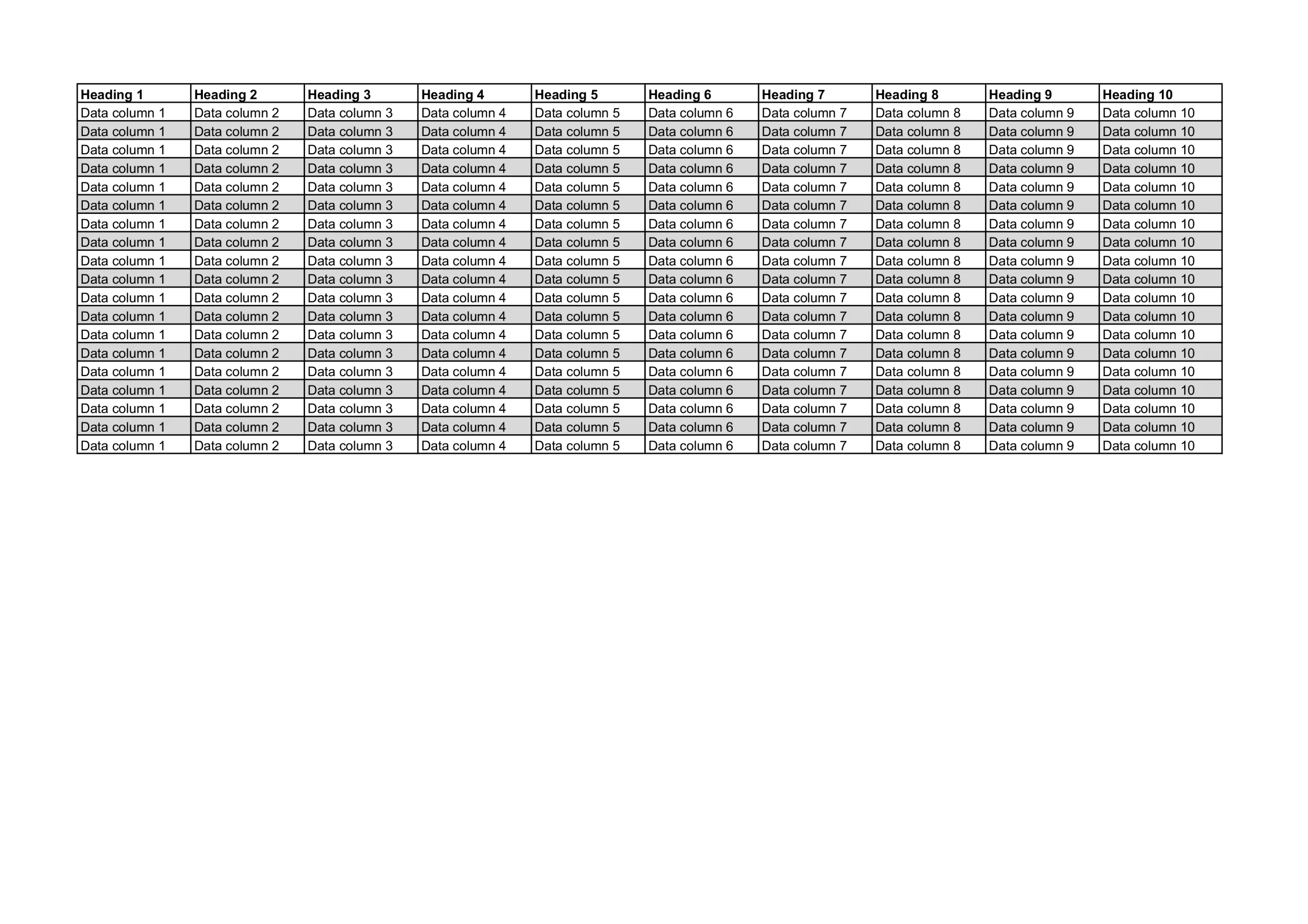
Image-heavy documents have a much greater impact: when the image below is printed on an A4 page total toner coverage is 20%.

These effects are common in real-world use but are rarely reflected in headline cost estimates or tiered pricing assumptions.
To calculate the percentages of toner used in the examples shown we used: APFill – Ink and Toner Coverage Calculator.
For a complete overview of toner coverage, you can download the full guide as a PDF.
These guides are intended to help workplaces assess costs realistically and avoid unexpected surprises.
Drivers & Software
Provided to support setup, updates, and ongoing use of your equipment.
Download the correct driver or supporting software for your device and operating system.