



Brochures and specifications
Find product brochures, specification sheets, and technical information in one place.
This section is designed to help schools and education providers review devices, compare options, and access the documents needed when evaluating or selecting equipment.
What you’ll find here
- Product brochures for printers, photocopiers, and related equipment
- Specification sheets with detailed technical information
- Comparison documents where available
- Supporting manuals and reference materials.
Everything is grouped to make it easy to find the right document without unnecessary navigation.
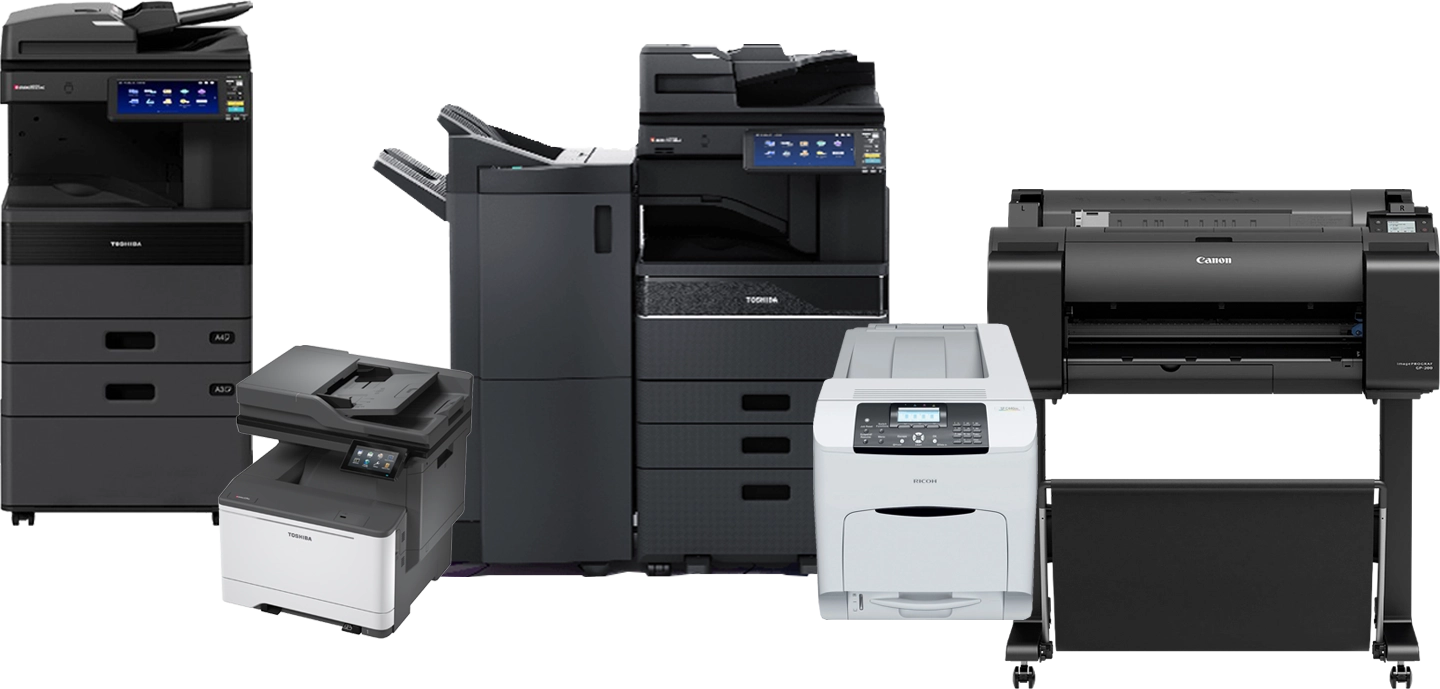
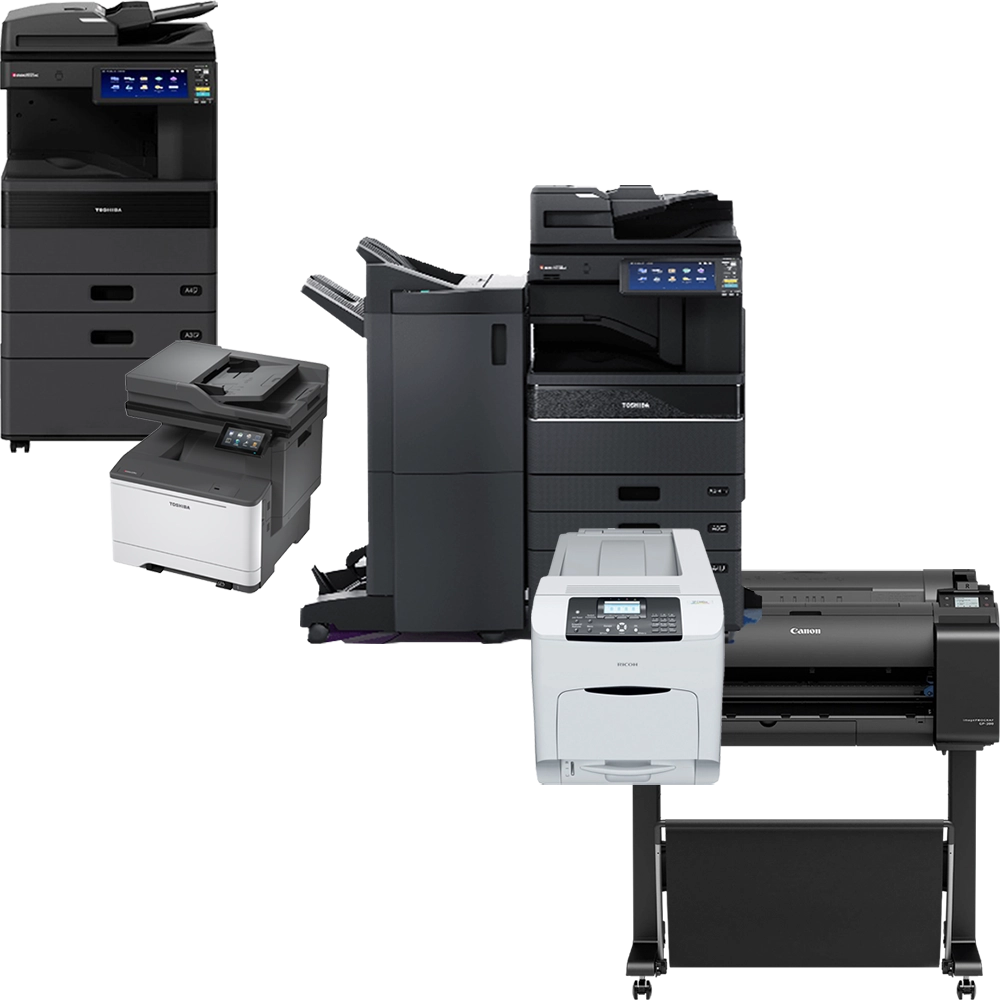
Browse by device type
Use the filters to narrow down results based on the type of equipment you’re looking for. This helps you quickly identify suitable options and compare specifications more effectively.
e-Studio2329A
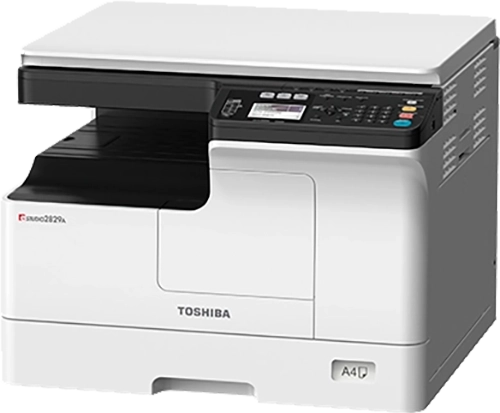

e-Studio2329A
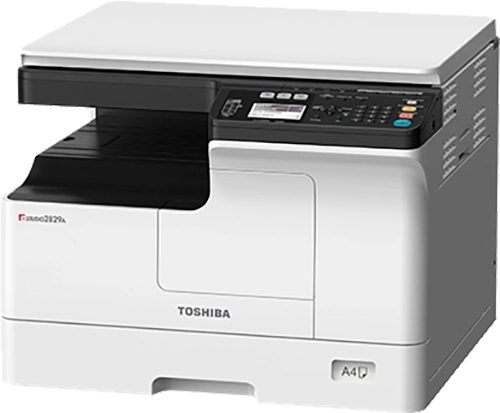
e-Studio2515AC
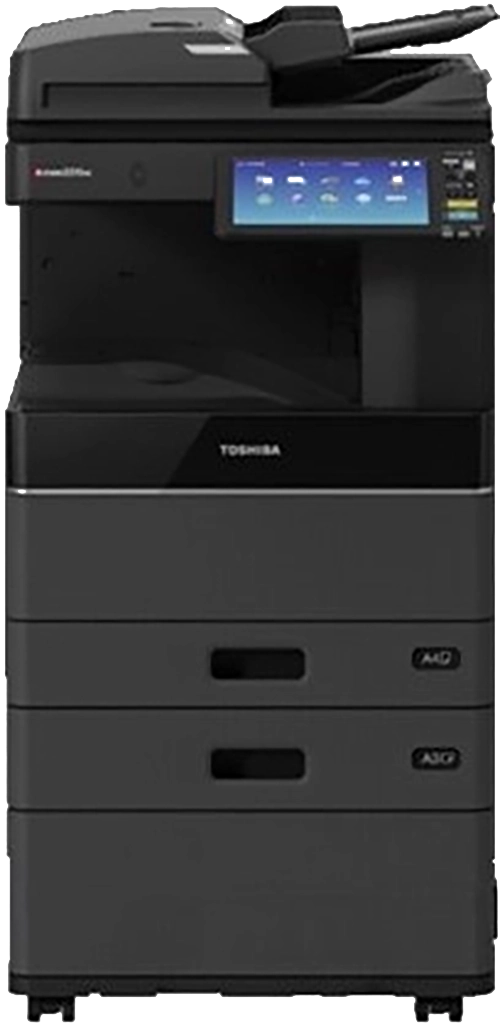
e-Studio2525AC
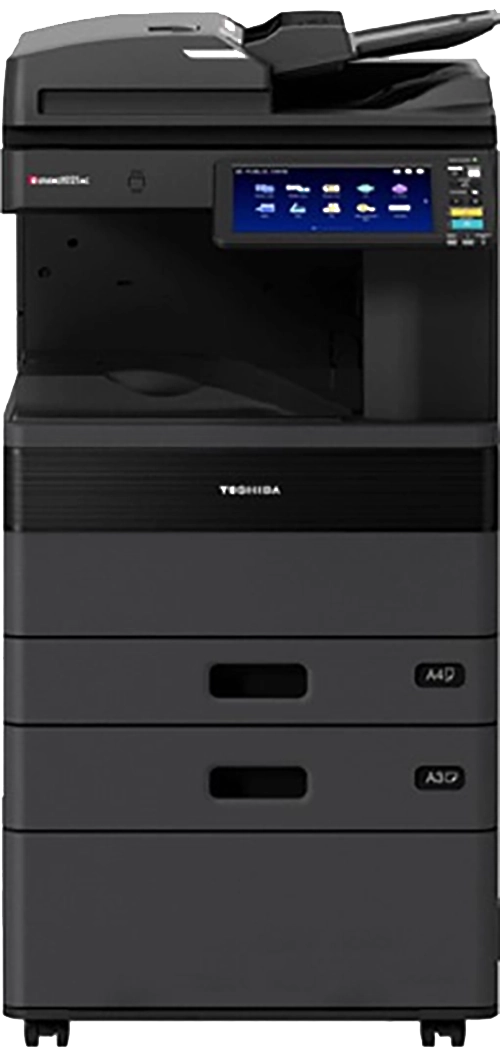
e-Studio2822AF / AM
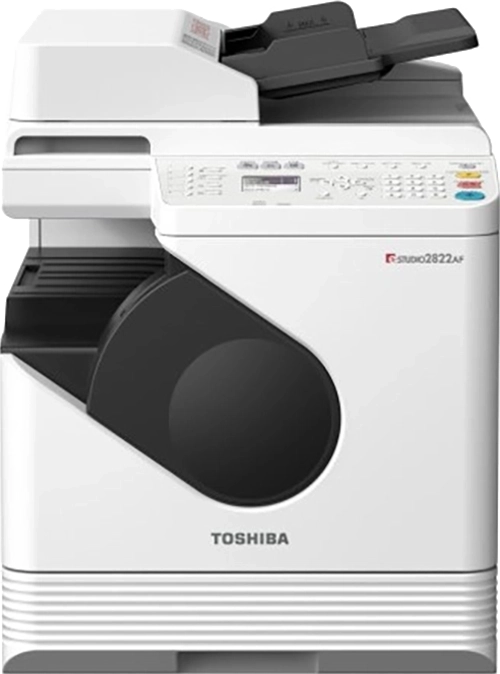
e-Studio2823AM
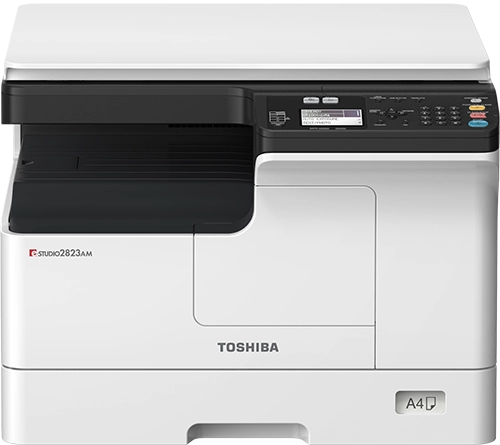
e-Studio2829A
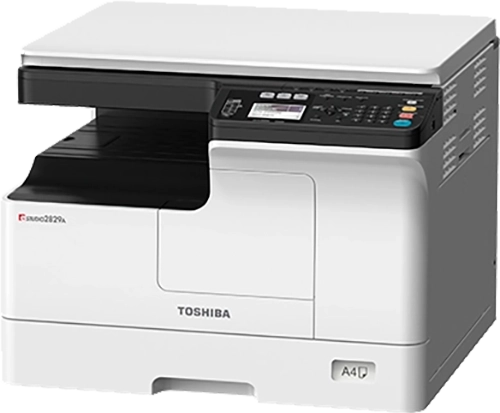
e-Studio2829A
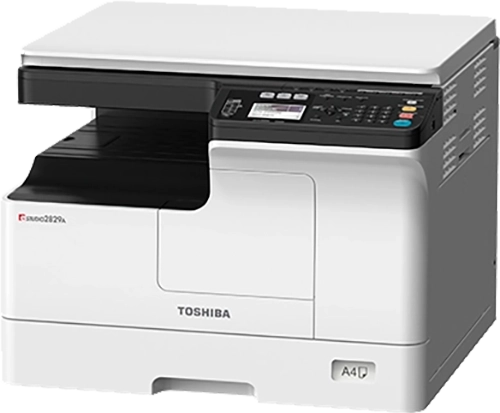
e-Studio300AC
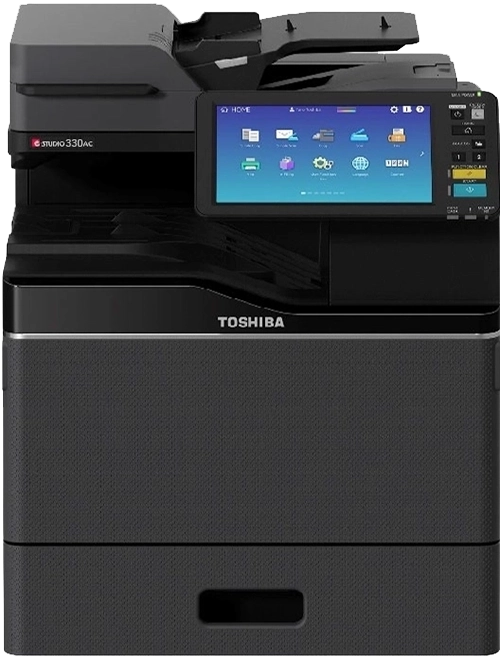
e-Studio3015AC
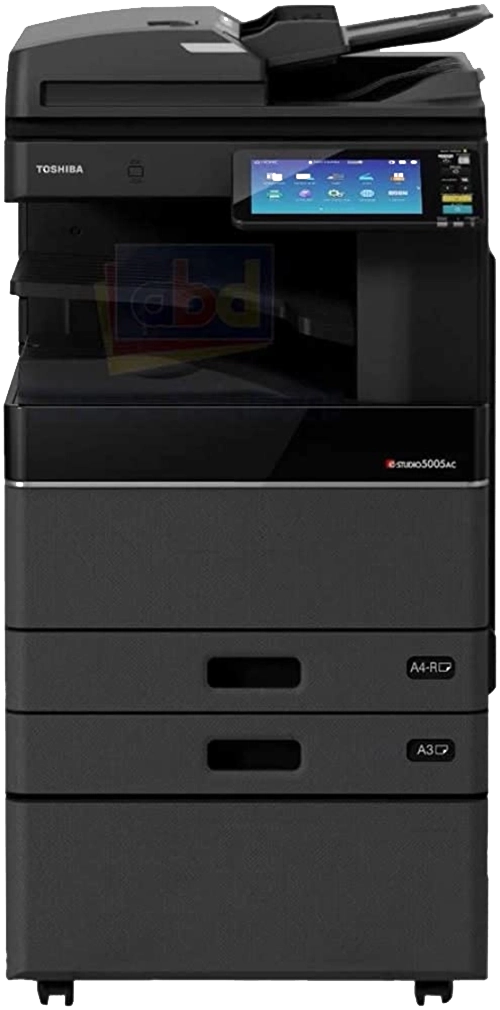
e-Studio3025AC
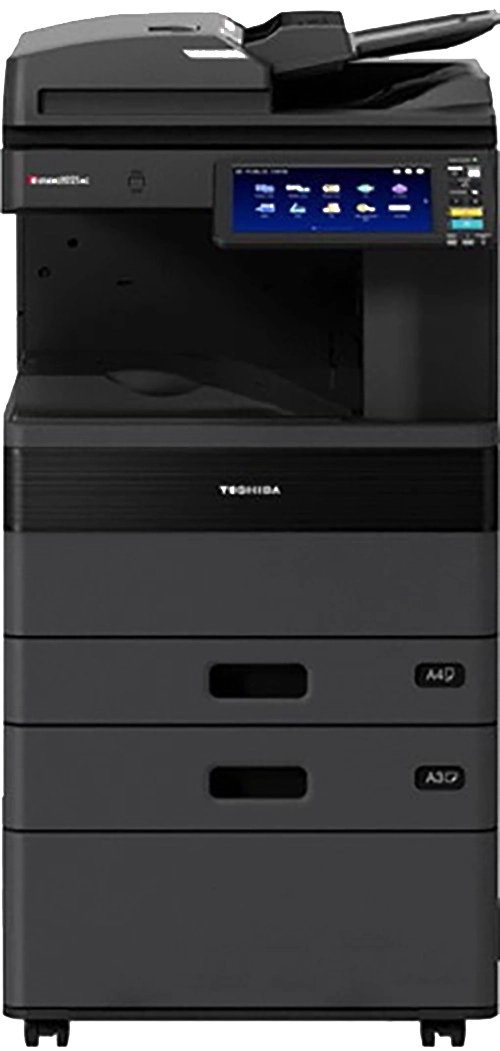
e-Studio331AC
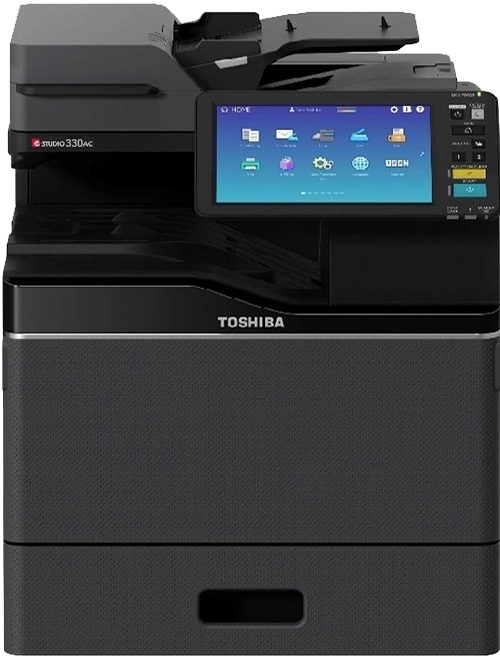
e-Studio338CS
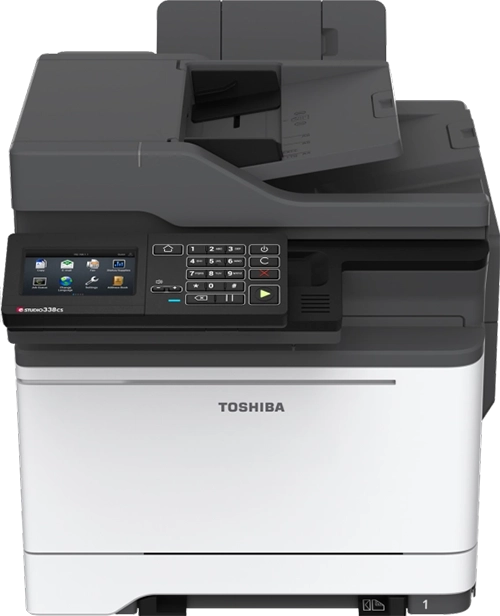
e-Studio339CS
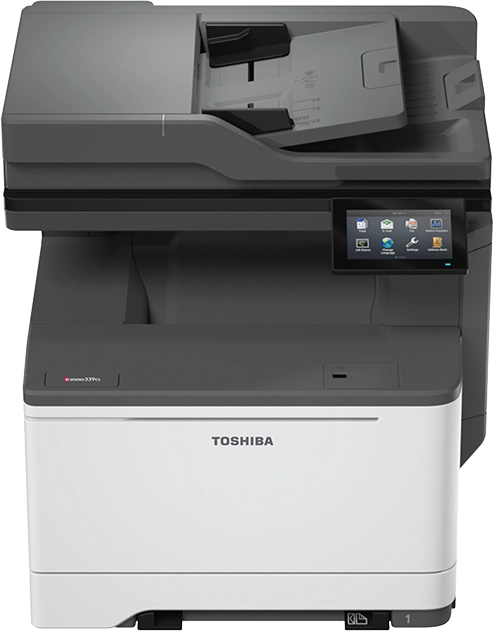
e-Studio3515AC
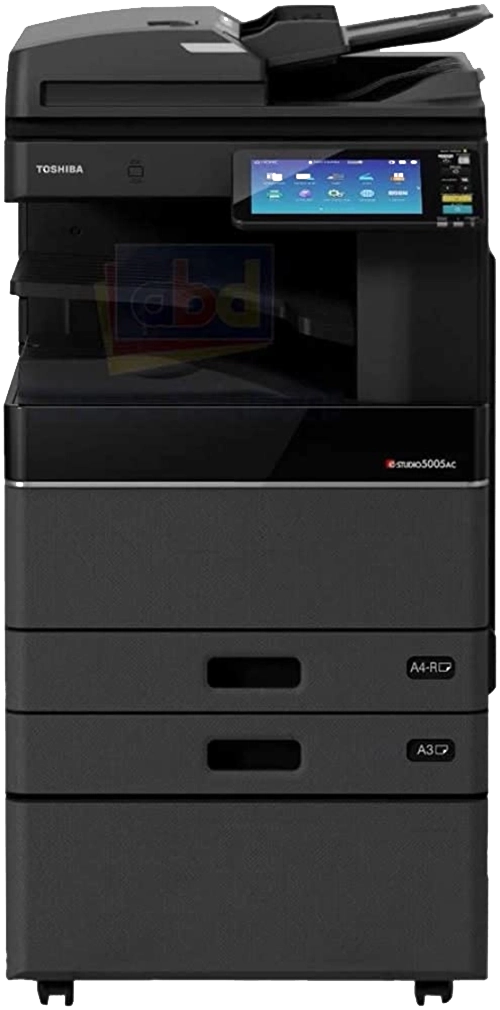
e-Studio3525AC
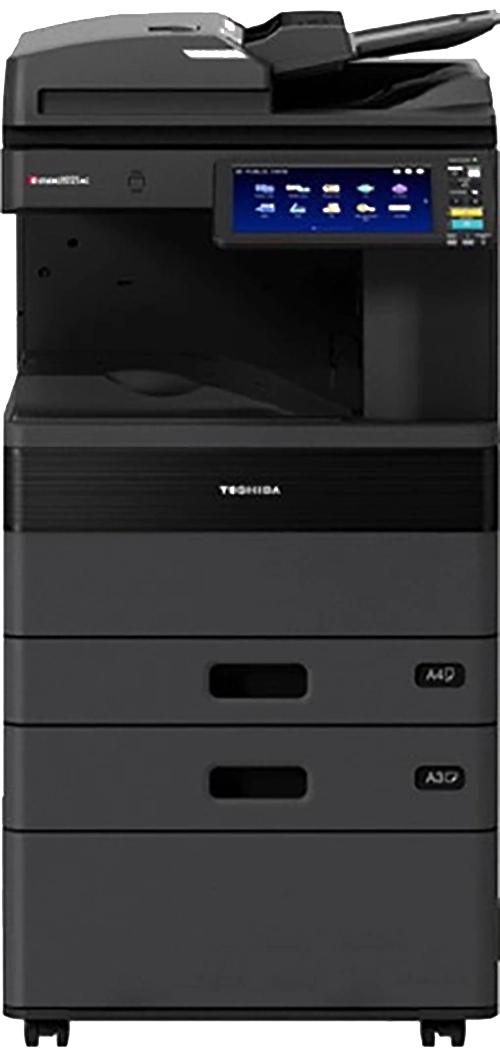
e-Studio400AC
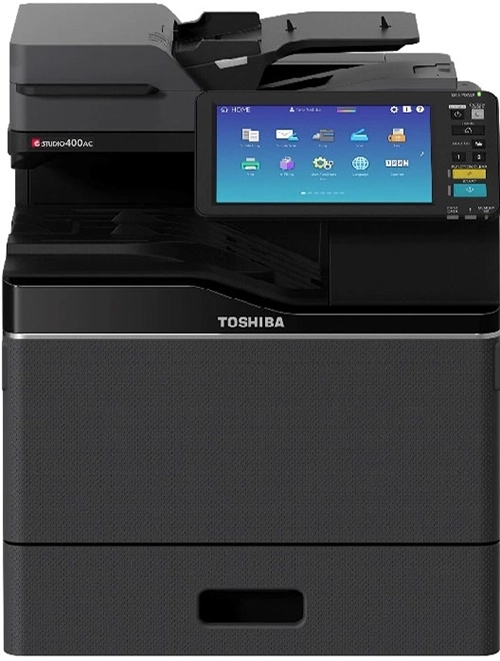
e-Studio4015AC
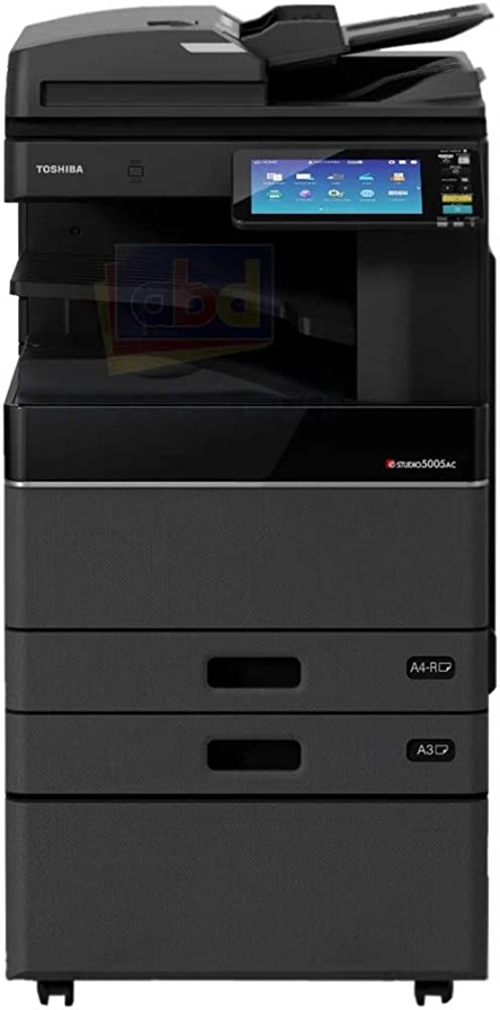
e-Studio401AC
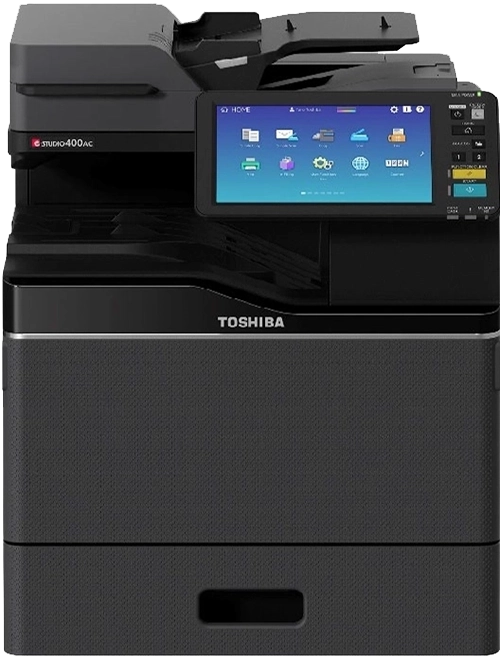
e-Studio409AS
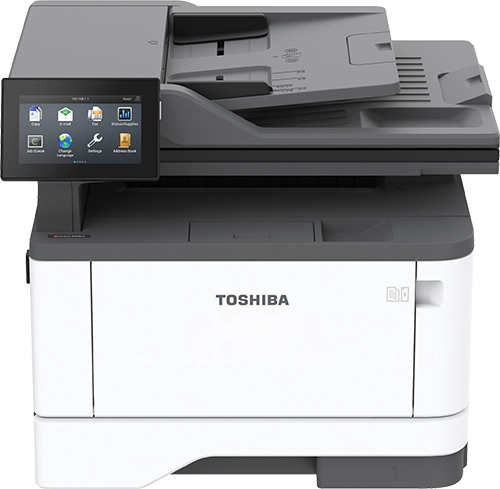
e-Studio409CP
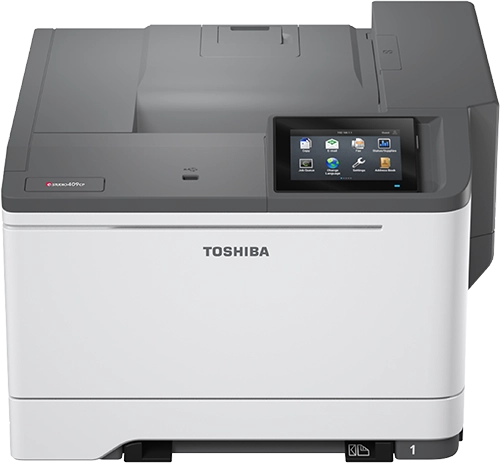
e-Studio409CS
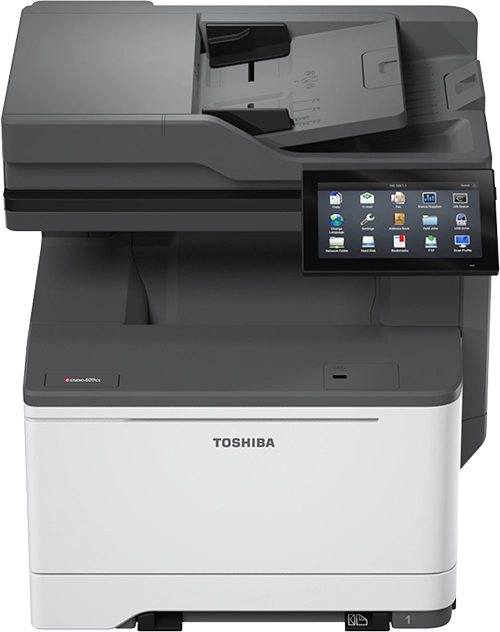
e-Studio409P
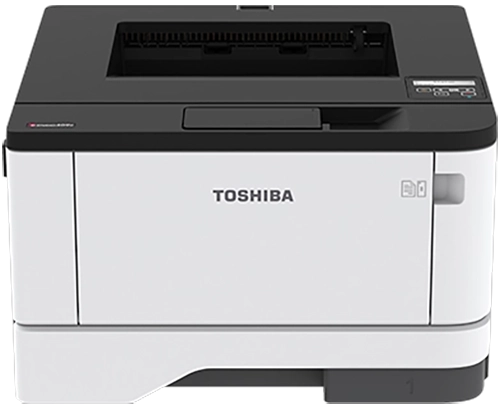
e-Studio409S
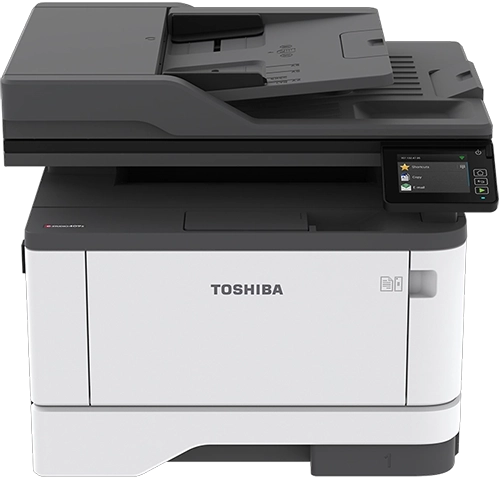
e-Studio449S
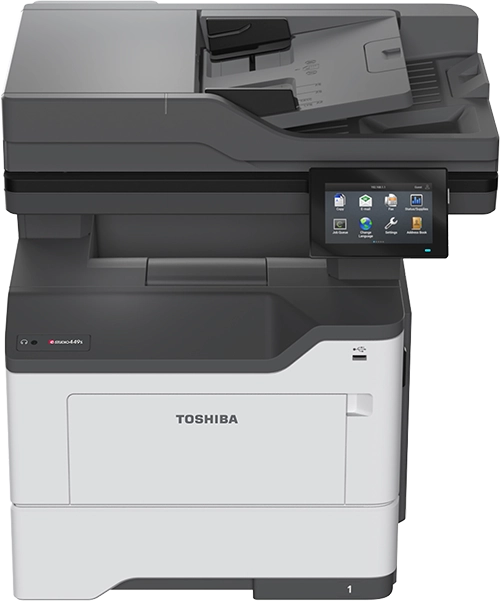
e-Studio4515AC
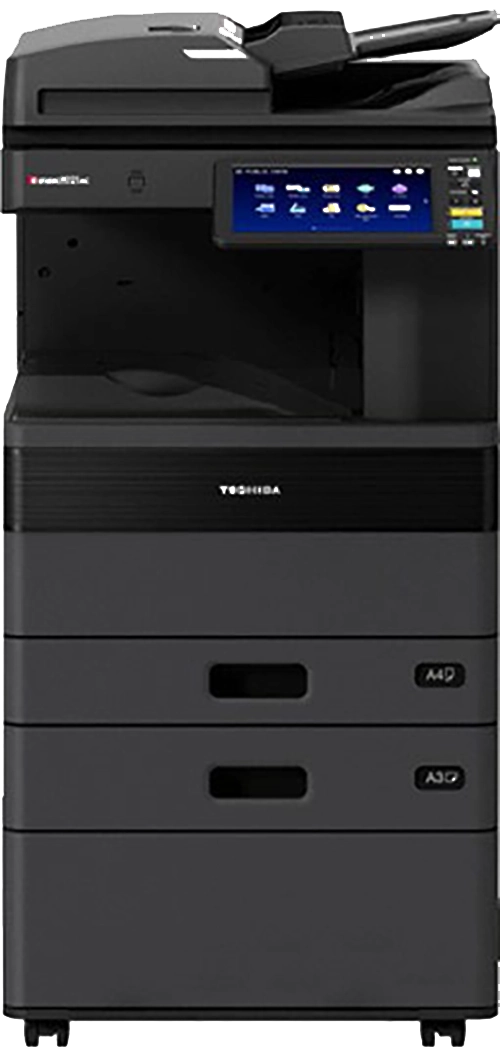
e-Studio4525AC
e-Studio478P
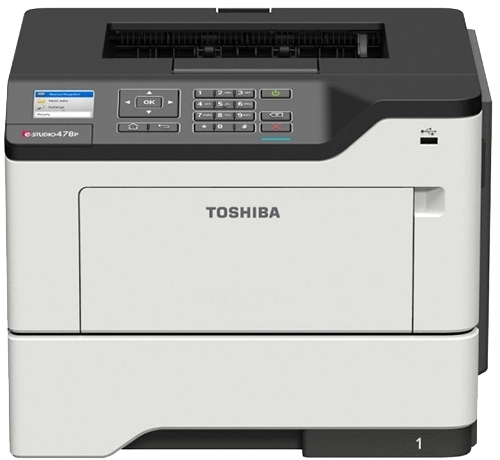
e-Studio479P
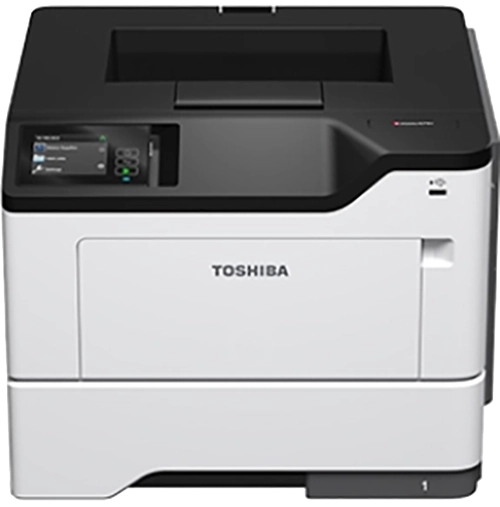
e-Studio479S
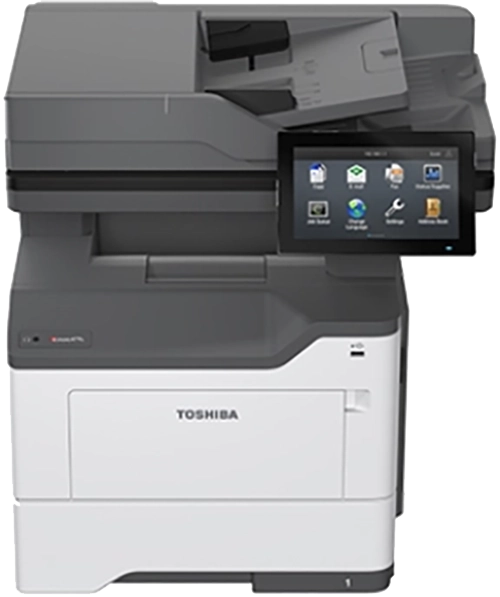
e-Studio5015AC
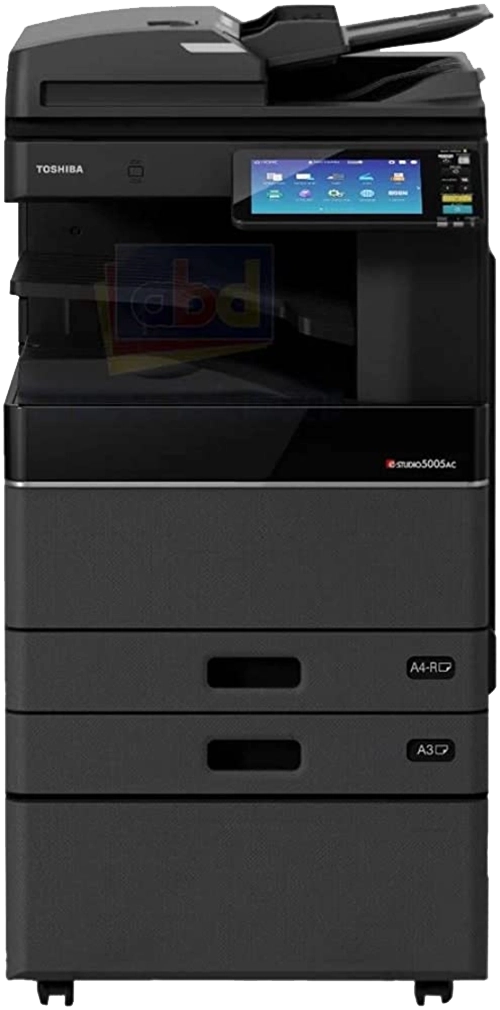
e-Studio509CS
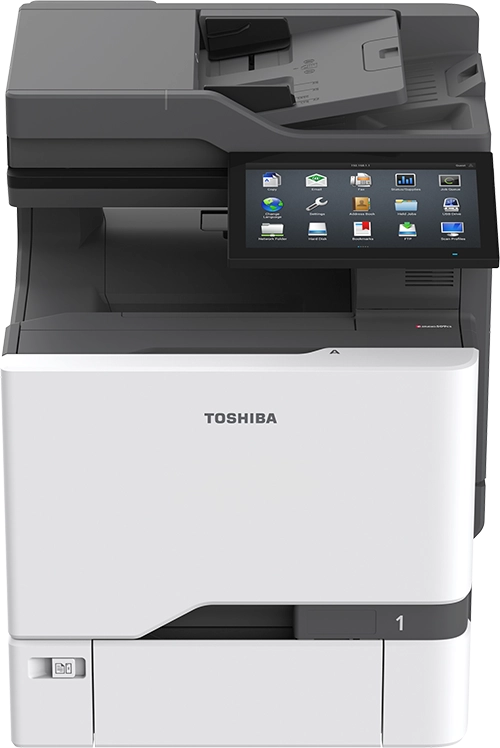
e-Studio528P
e-Studio5516AC
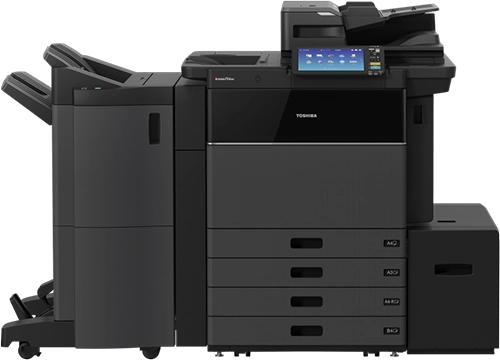
e-Studio5525AC
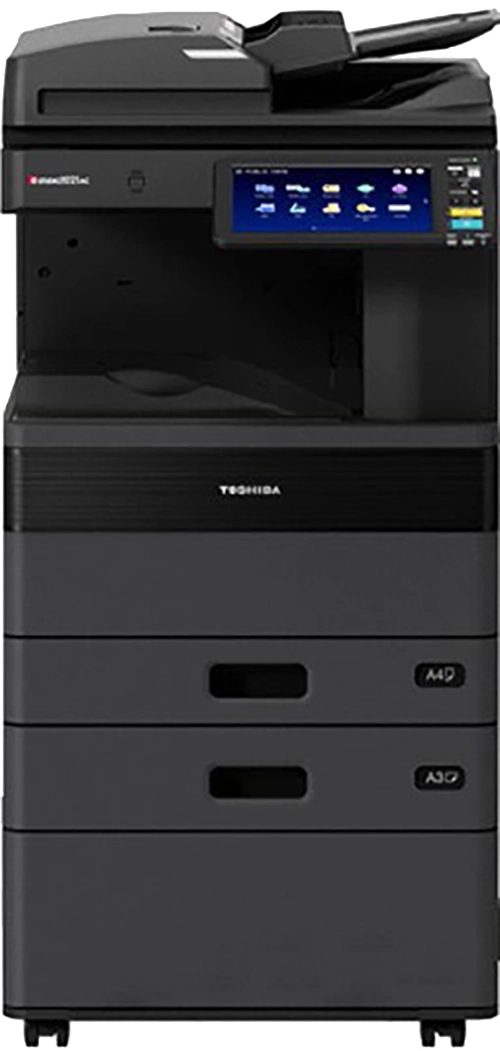
e-Studio6516AC
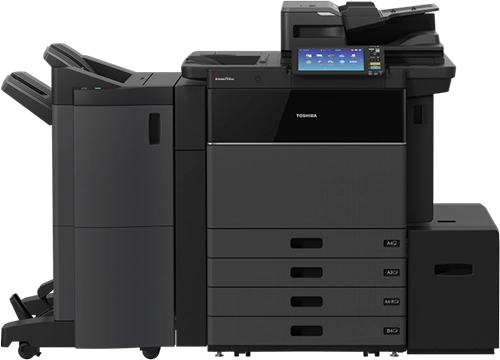
e-Studio6525AC
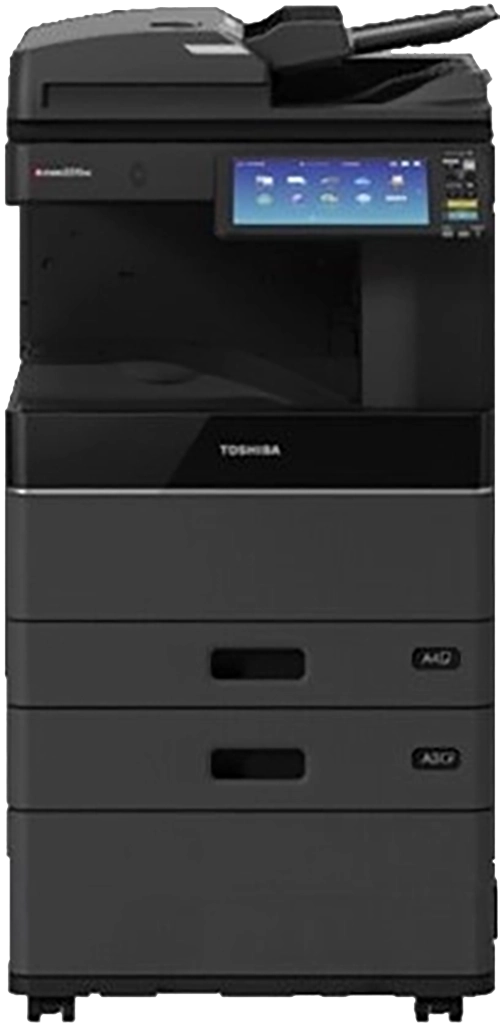
e-Studio6526AC
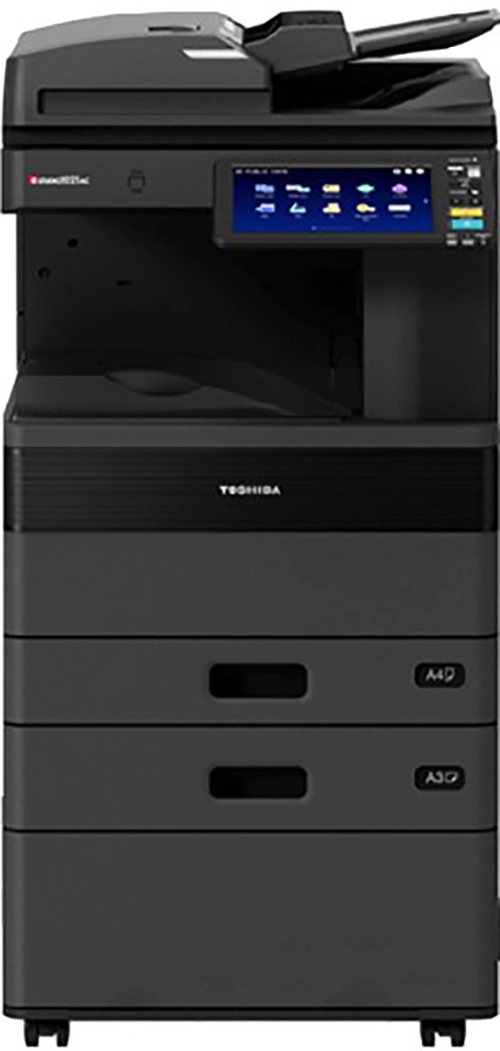
e-Studio6527AC
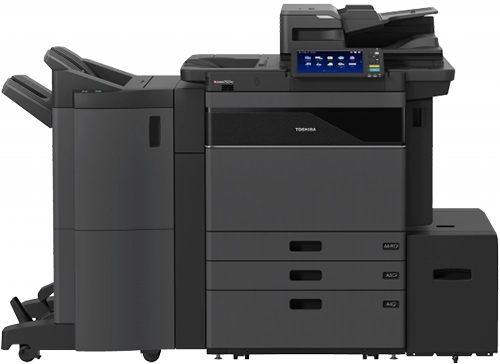
e-Studio6529AC
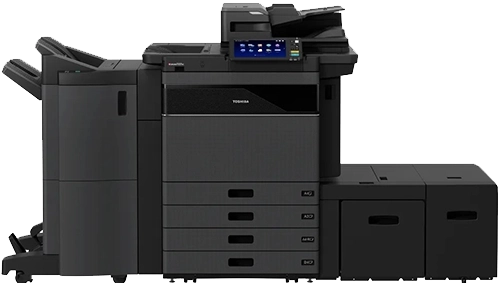
e-Studio7516AC
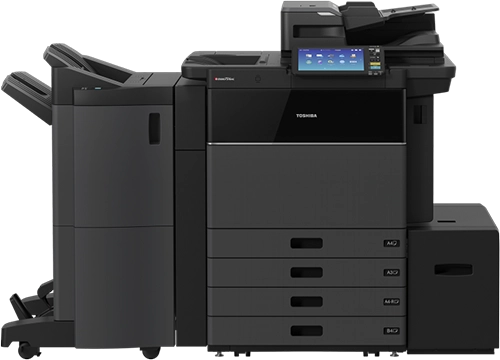
e-Studio7527AC
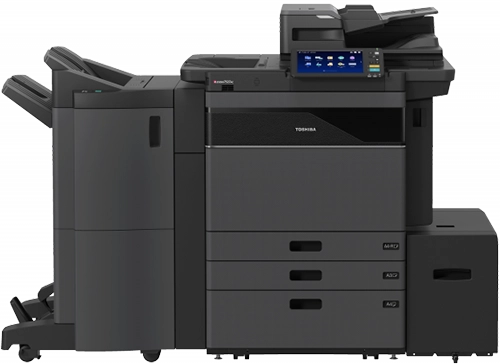
e-Studio7529AC
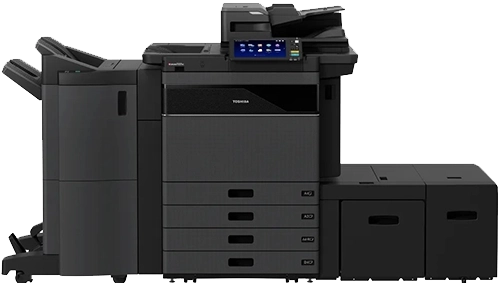
e-Studio9029A
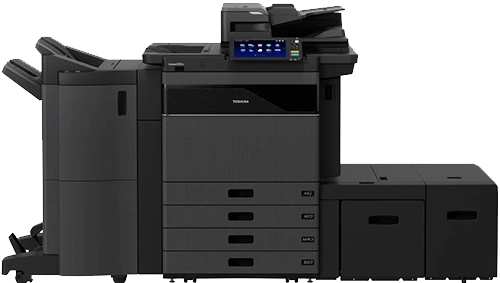
GP-200
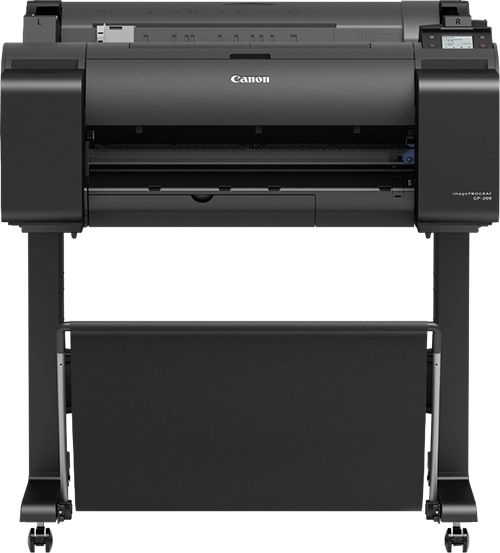
GP-300
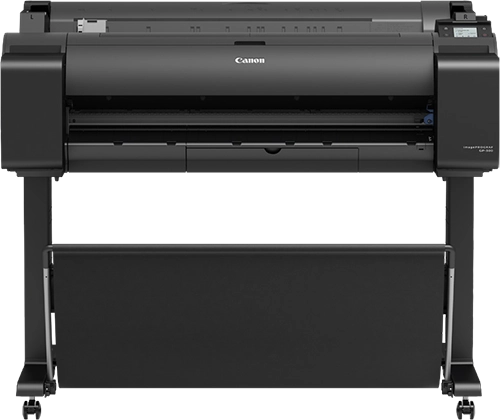
P C600
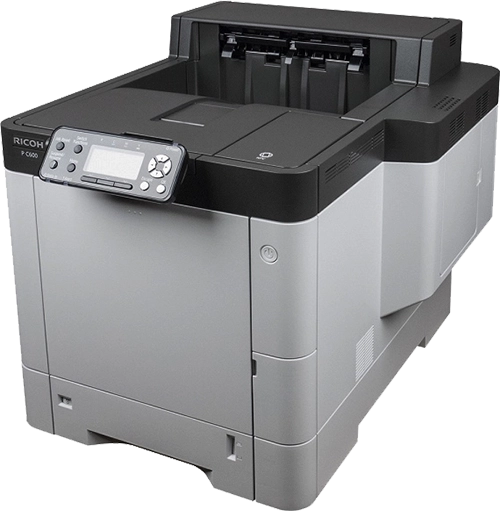
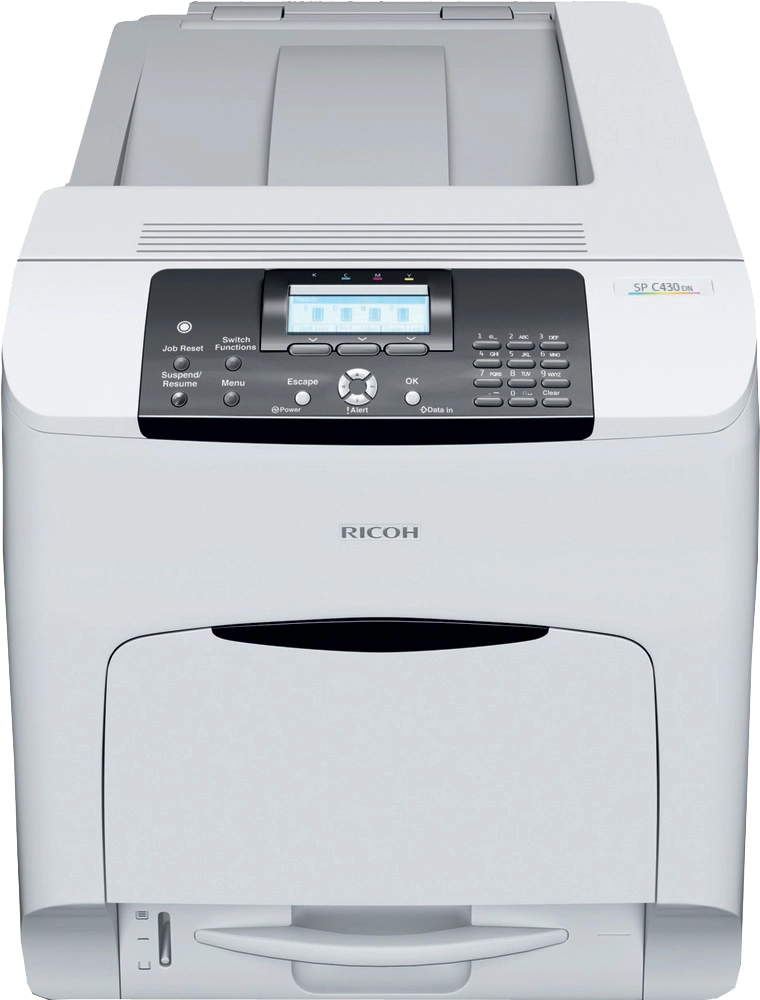
SP C430DN
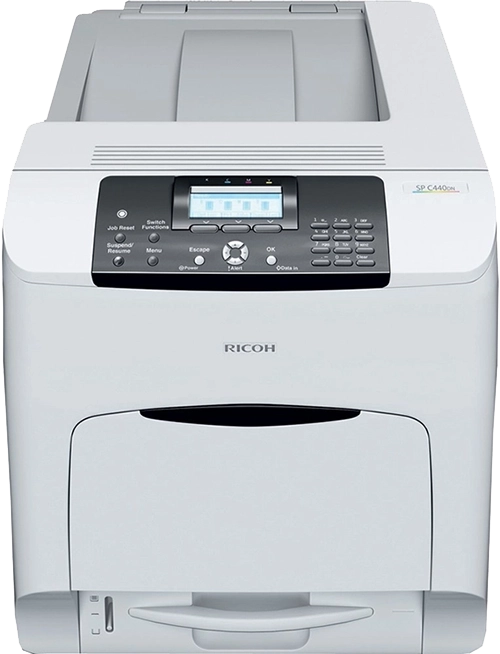
SP C440DN
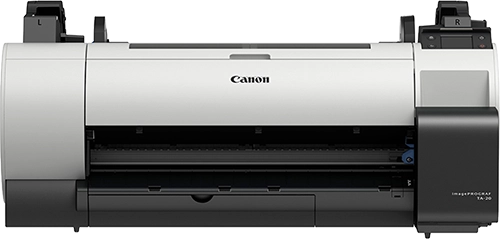
TA-20
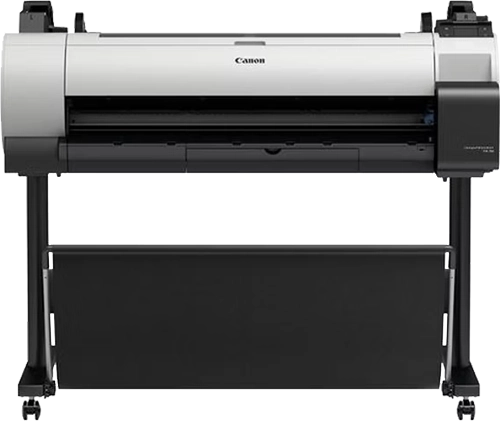
TA-30
TC-20
Size categories
Printers and photocopiers are commonly grouped by physical size and typical usage.
- Desktop compact devices for individual or small-team use
- Large desktop higher capacity desktop devices with greater output
- Standard shared devices designed for regular education use
- XL high-volume devices for larger departments or multi-user environments
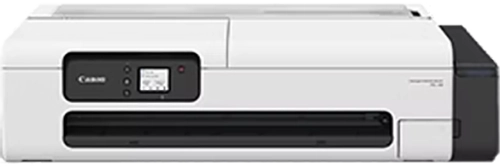
- Large format specialist devices for oversized documents such as plans, displays, and teaching materials.
Selecting the right device
Brochures and specifications are useful for understanding capabilities, but they don’t always reflect how equipment performs in day-to-day use.
If you’re comparing options, it can help to consider:
- How the device will be used in practice
- Typical print volumes and usage patterns
- The balance between printing, copying, and scanning
- Reliability and ease of use over time.
Focusing on real usage often leads to better long-term outcomes than relying on headline specifications alone.
Related information
If you are looking for practical guidance rather than product documents, you may find the following useful:
Need a specific document or advice?
If you can’t find the brochure or specification you’re looking for, or would like guidance on selecting the right device, we’re happy to help.